Time Tracking with Screenshots – The Best AI-Powered Solutions for Productivity
Posted on December 10 2024 by Kevin ZhouTime Tracking with Screenshots – The Best AI-Powered Solutions for Productivity
Looking for tools to track productivity without compromising privacy? AI-powered time tracking with screenshots is changing how teams work. These tools offer automated activity analysis, smarter task tracking, and privacy-conscious monitoring. Here’s a quick breakdown of the top options:
- Hubstaff: Great for remote and field teams, with GPS tracking, payroll integration, and AI-driven productivity insights. Starts at $7/user/month.
- Time Doctor: Offers customizable screenshots, real-time tracking, and detailed reports for large teams. Also starts at $7/user/month.
- TimeCamp: Focuses on AI task assignment and private screenshots, making it ideal for automating workflows.
- MonitUp: Balances GDPR-compliant monitoring with customizable screenshot settings and AI-backed suggestions.
- Telemore AI: Still in beta, it uses generative AI for workflow insights and prioritizes privacy with encrypted monitoring.
Quick Comparison
| Tool | Key Features | Best For |
|---|---|---|
| Hubstaff | GPS tracking, payroll integration | Remote teams needing tracking |
| Time Doctor | Flexible tracking, detailed reports | Large teams |
| TimeCamp | AI task assignment, privacy focus | Workflow automation |
| MonitUp | GDPR-compliance, AI suggestions | Privacy-focused organizations |
| Telemore AI | Generative AI insights, encryption | Privacy and advanced AI users |
Choose a tool that fits your needs, whether it’s automation, privacy, or advanced AI. Remember to communicate tracking policies transparently to your team.
How Hubstaff Tracking Features Work
::: @iframe https://www.youtube.com/embed/u9-S4EFluk8 :::
**1
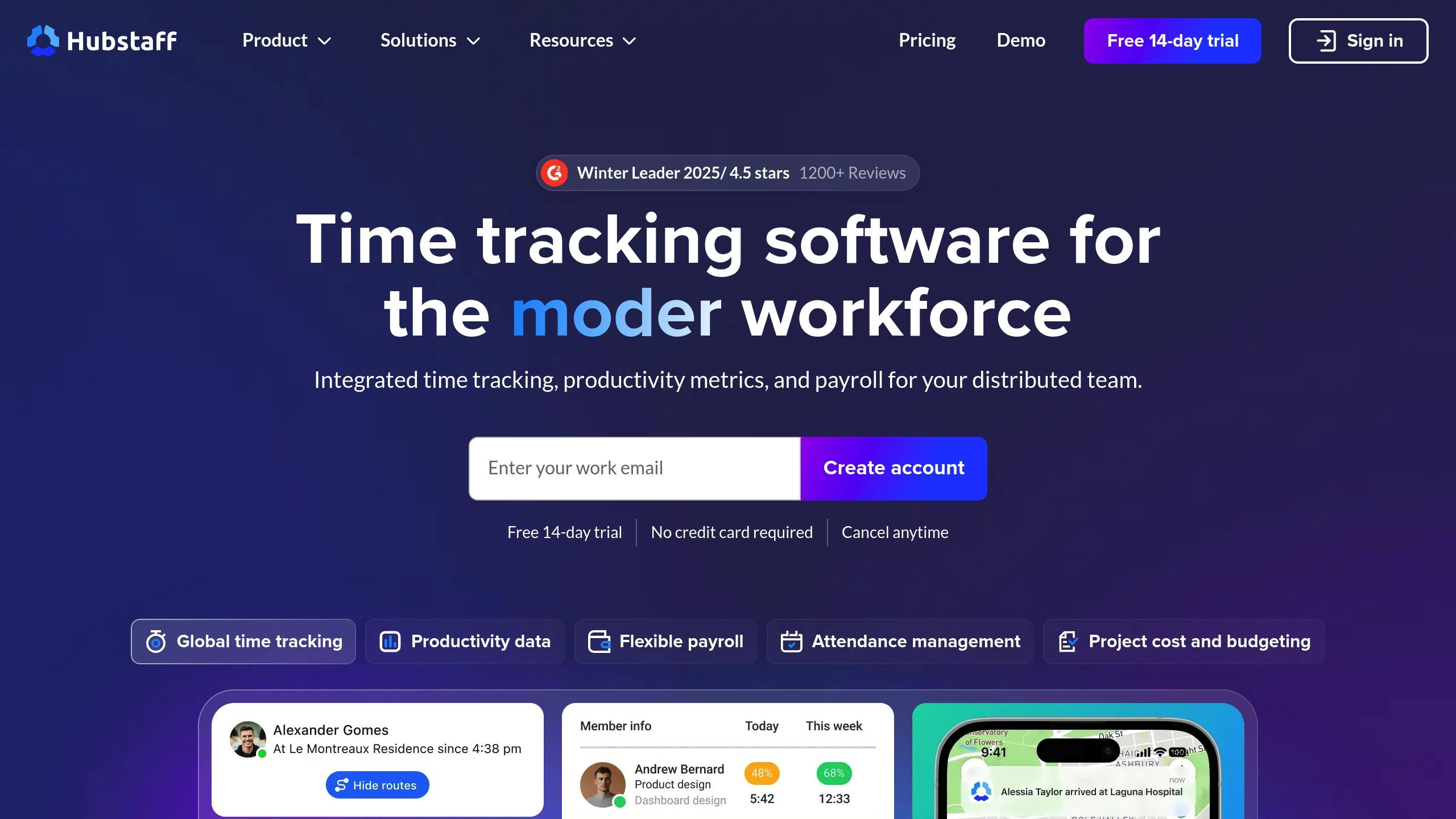
Hubstaff** Hubstaff provides AI-powered time tracking for remote and field teams, starting at $7 per user per month. It automates screenshot capture while using AI-driven insights to improve productivity.
| Feature | Purpose |
|---|---|
| GPS Tracking | Tracks real-time locations for field teams |
| Payroll Integration | Automates payments based on tracked hours |
| Activity Monitoring | Analyzes productivity using AI |
| Idle Time Detection | Flags inactive periods automatically |
Hubstaff combines strong compliance features, seamless integrations, and intuitive dashboards, making it ideal for distributed teams.
2. Time Doctor
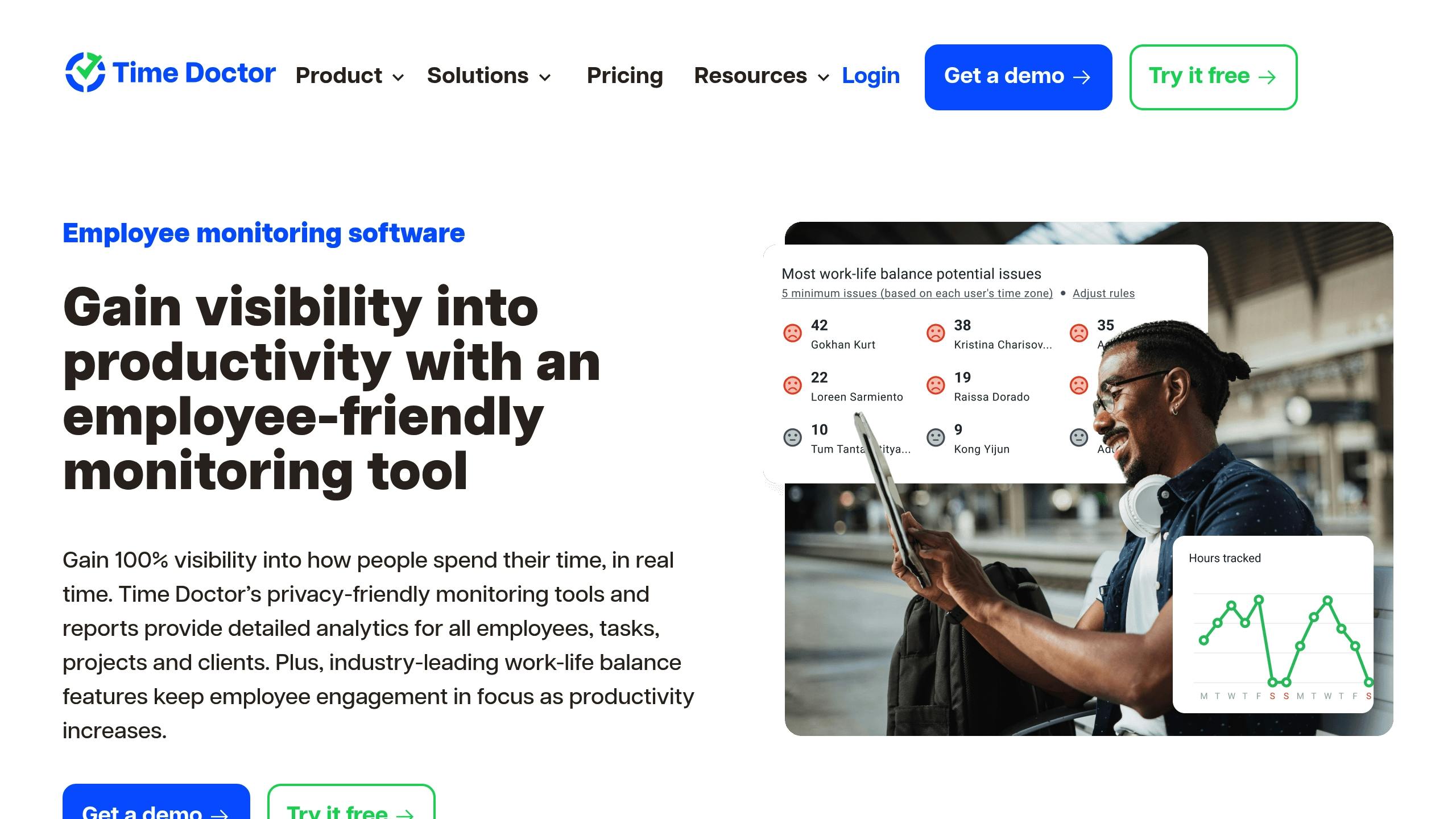
Time Doctor offers real-time tracking, customizable screenshots, and productivity analytics.
| Feature | What It Does | How It Helps Your Business |
|---|---|---|
| Smart Screenshots | Takes screenshots at set intervals | Verifies work progress effectively |
| Payroll Integration | Automates payment processes | Simplifies employee compensation |
| AI Productivity Analysis | Provides actionable insights | Helps make informed decisions |
It’s particularly well-suited for large teams needing in-depth analytics and has been rated 4.5/5 on Capterra.
3. TimeCamp
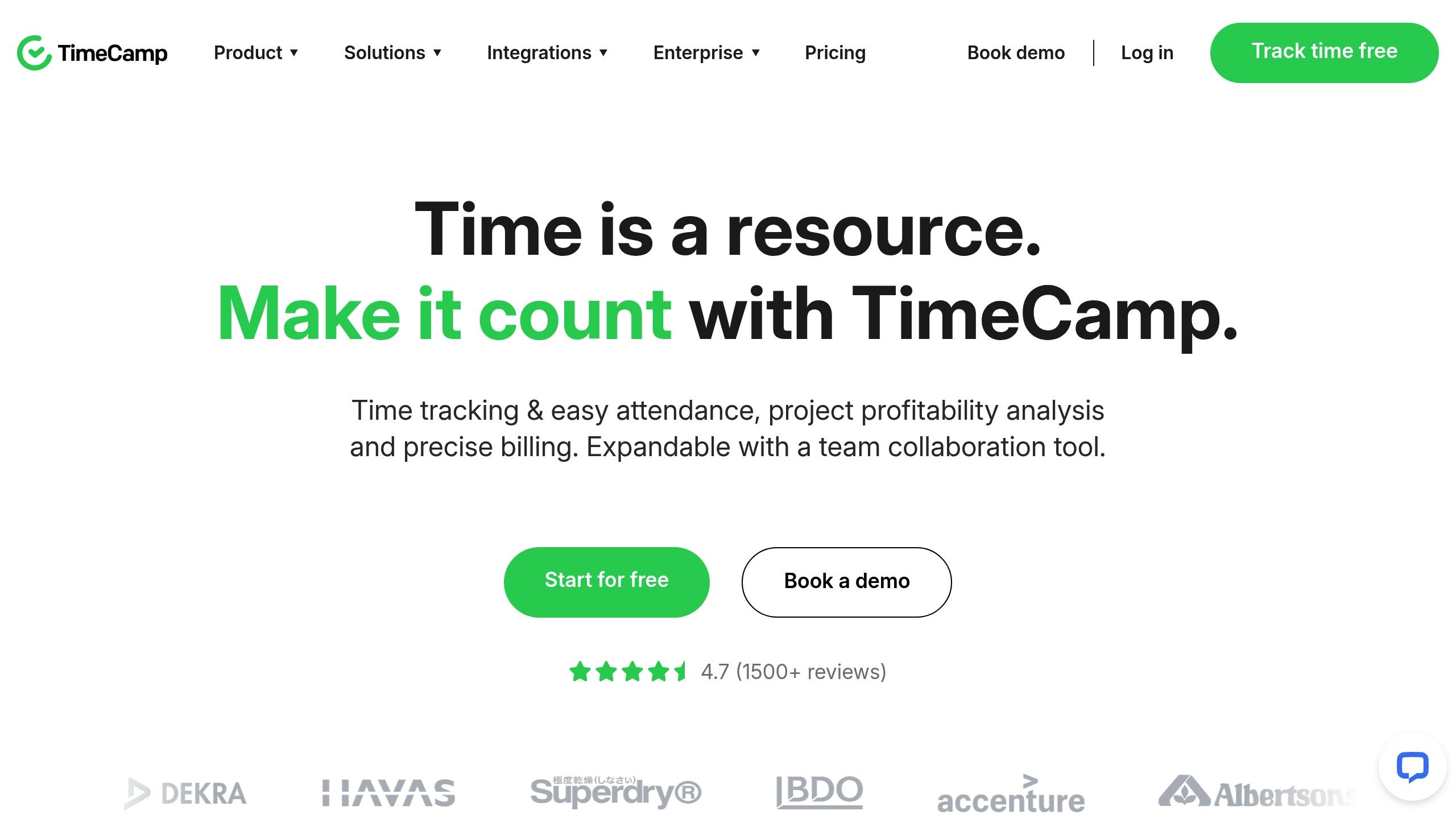
TimeCamp balances AI task automation with private screenshots, making it less intrusive yet highly efficient.
| Feature | Capability | Business Impact |
|---|---|---|
| AI Task Matching | Assigns tasks automatically | Reduces admin overhead |
| Private Screenshots | Screenshots only for users | Ensures privacy compliance |
| Background Operation | Uses minimal system resources | Doesn’t slow devices |
Its lightweight, AI-powered tracking makes it a great fit for businesses that value automation and privacy.
4. MonitUp

MonitUp offers GDPR-compliant, AI-driven monitoring that respects employee privacy.
| Feature | Functionality | Business Value |
|---|---|---|
| Customizable Screenshots | Adjust capture frequency | Balances privacy and oversight |
| AI Insights | Detects work patterns | Improves productivity with data |
| GDPR Monitoring | Built-in compliance tools | Secure and ethical monitoring |
Its AI-powered automation and ethical monitoring approach make it ideal for privacy-focused businesses.
5. Telemore AI
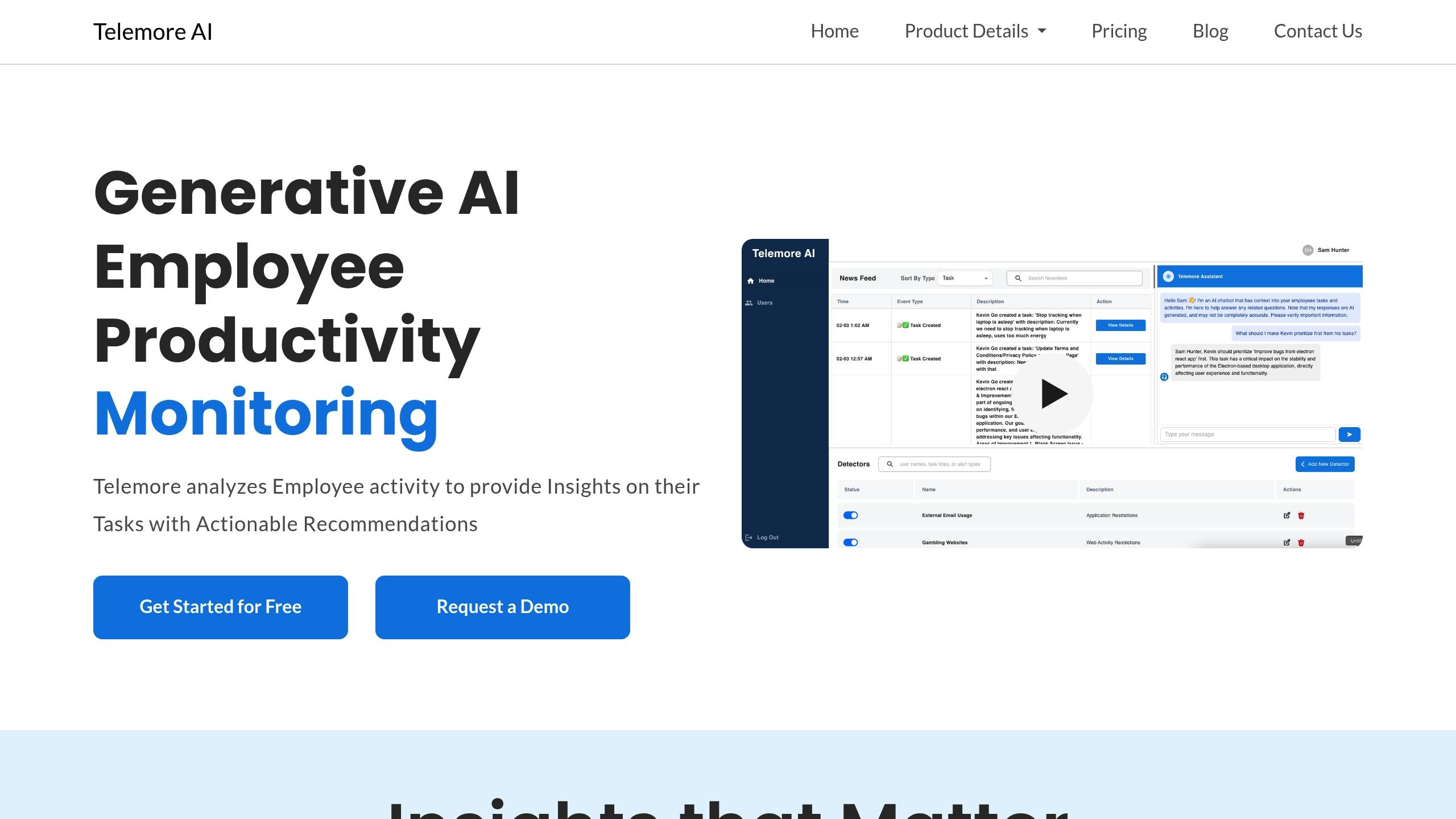
Telemore AI is an AI-driven monitoring tool in beta, focused on privacy-conscious productivity tracking.
| Feature | Description | Business Impact |
|---|---|---|
| AI Workflow Insights | Analyzes screenshots & work patterns | Boosts productivity with recommendations |
| Encrypted Monitoring | Protects sensitive data | Ensures security & compliance |
| No Webcam Recording | Avoids invasive monitoring | Respects employee privacy |
Telemore AI’s generative AI approach makes it an ideal option for privacy-first organizations.
Conclusion: Finding the Right Time Tracking Tool
Choosing the best AI-powered time tracking tool with screenshots depends on your needs:
- Best for Remote Teams → Hubstaff
- Best for Large Enterprises → Time Doctor
- Best for Privacy-Conscious Teams → MonitUp
- Best for AI-Powered Automation → TimeCamp
- Best for AI-Driven Insights & Privacy → Telemore AI (Beta)
Free trials and beta programs can help test which tool fits your workflow while balancing productivity and privacy.
FAQs
**1
Is employee monitoring with screenshots legal?** Yes, as long as employees are informed and monitoring is work-related. Compliance with GDPR, ECPA, and other privacy laws is essential.
**2
Can AI improve time tracking accuracy?** Yes, AI-powered tools analyze screenshots, detect patterns, and automate tracking, reducing errors and manual input.
**3
What’s the best privacy-friendly time tracking tool?** Telemore AI and MonitUp prioritize privacy with encrypted monitoring and GDPR compliance.
For more productivity insights, visit telemore.ai.
Work smarter with AI
Telemore helps you focus on what matters. AI-powered productivity that adapts to how you work.
Try Telemore Free